Software
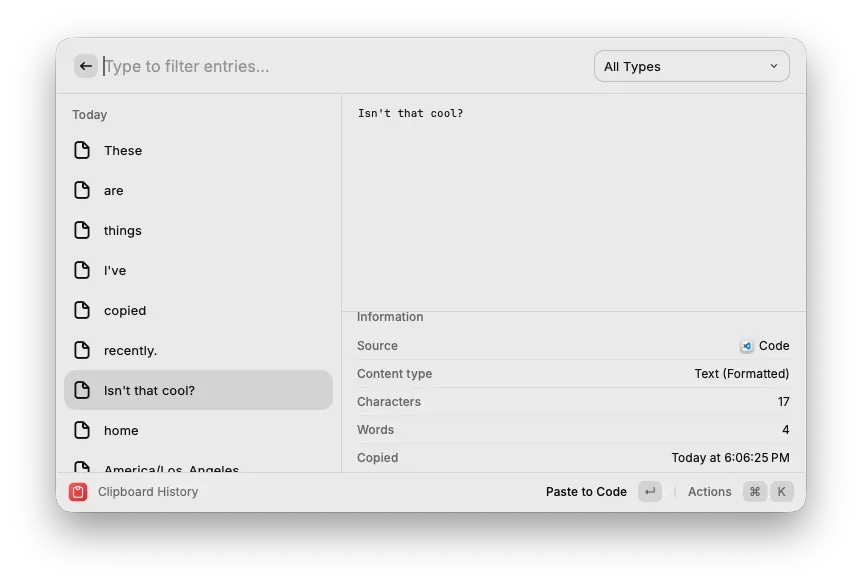
When I hit cmd+shift+v, Raycast opens my paste history and I can paste any item from the last 100 that I copied. I no longer need to flip back and forth between programs when I’m copying a bunch of items from one document to another. Also if I need to move something (e.g. a line of code): I can just cut the thing and don’t have to worry about accidentally overwriting it in my clipboard.
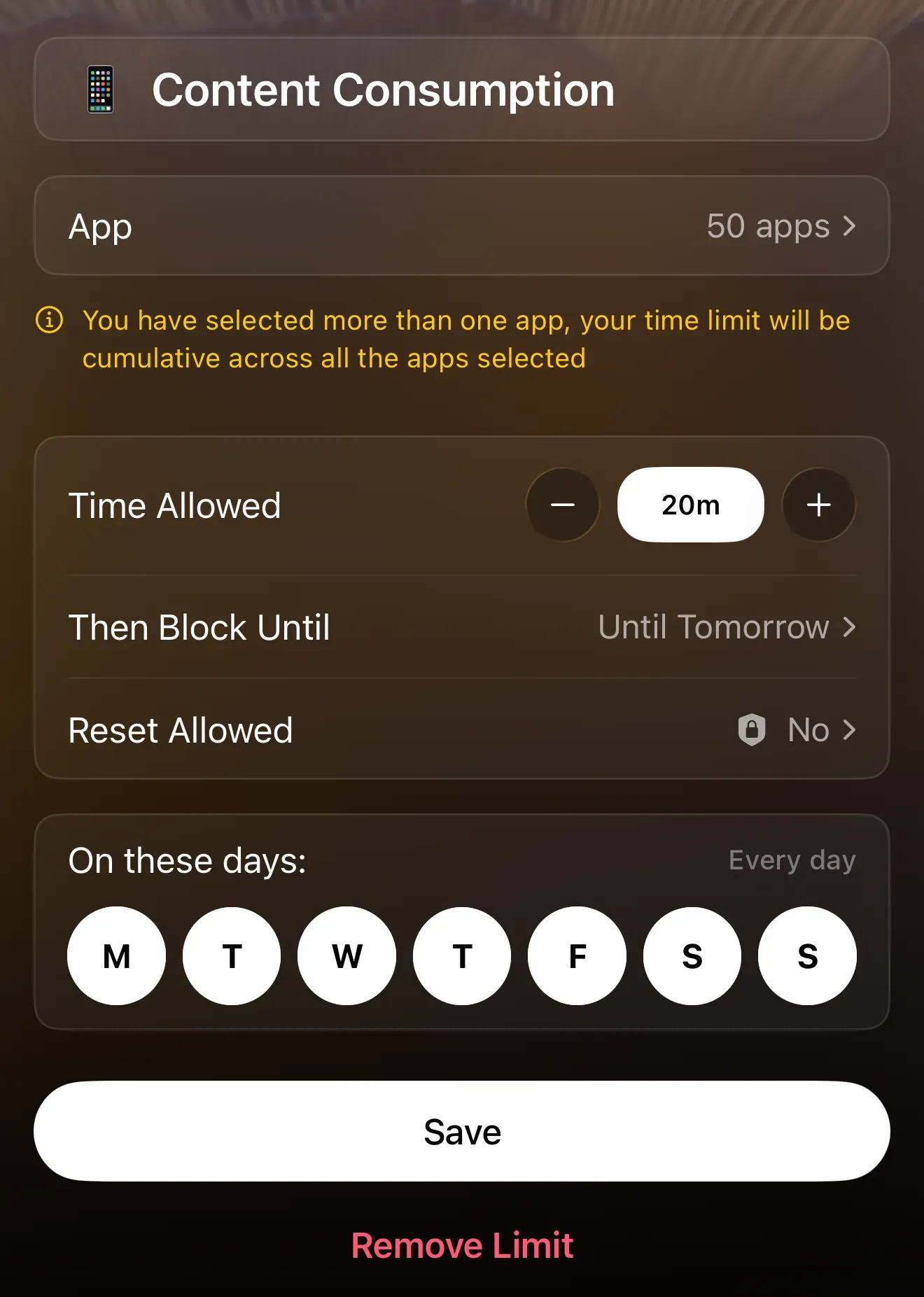
I no longer feel guilty about doomscrolling, because Opal prevents me from using apps that I hate (but also kind of need) for more than 5 minutes a day.
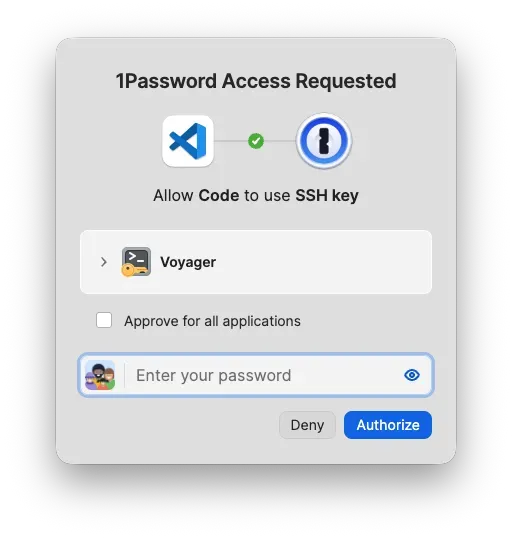
I use 1password as a password manager. If you don’t use a password manager, I’d recommend you stop reusing passwords asap and that you use 1password to break the habit, because it is genuinely easy to set up and will work across all your devices. If you are technical and use a different password manager, I’d recommend 1password because it has nice developer features, e.g. an ssh agent so you don’t need to remember a passphrase for your ssh keys (or store them in plaintext lol).
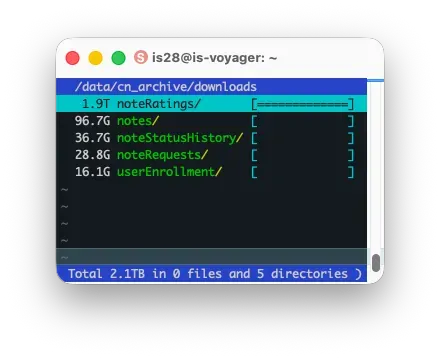
Files so big that du is lagging? duc can index your files overnight, then make a walkable tree that you can use to see how much data is in each of your subdirectories.
Pandas is confusing and slow so I use Polars wherever I can.
uv is faster and more user friendly than Conda.
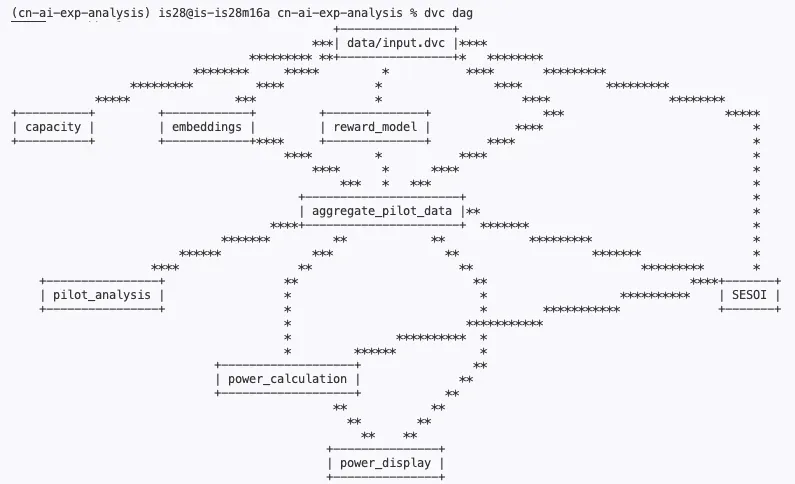
I used to find it difficult to track all the data and artifacts I made in the course of a project. I now use dvc (data version control) to do so. You tell DVC which inputs each file you make depends on, and it then reruns anything downstream whenever you make a change. It hashes the outputs and adds those hashes to git for you, so you can also tell exactly which version of your code generated which version of your data.
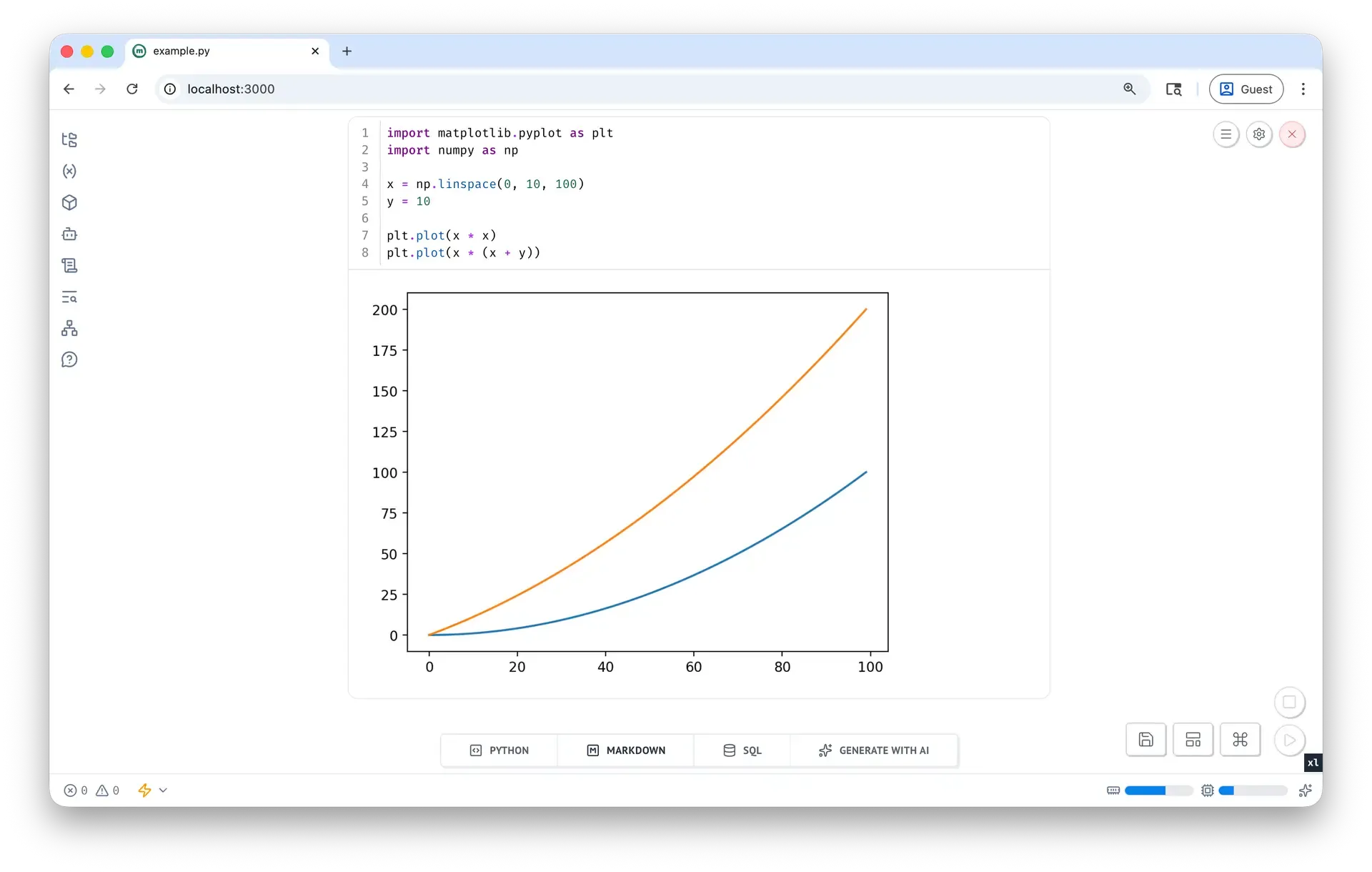
Marimo is more user friendly than jupyter notebooks but its best feature is its reactivity imo. After being defined in a cell, variables can’t be edited in other cells. Marimo builds a dependency graph between cells and whenever you update a cell it then reruns all downstream cells reactively. No more worrying that my results are based on an out-of-date dataframe!
Desk
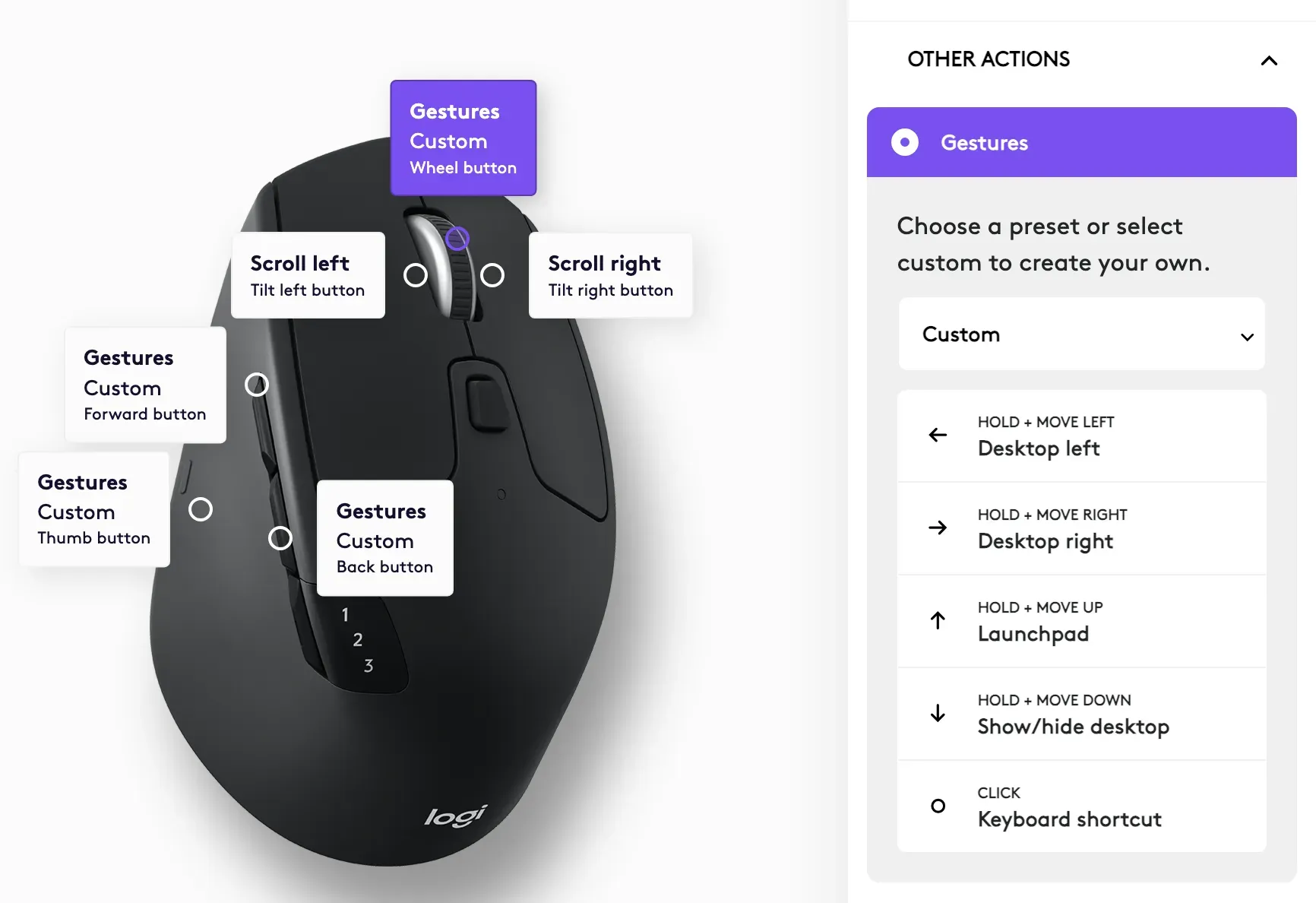
I use a Logitech M720 mouse that has a set of programmable buttons. I’ve set up most of the buttons to be modified by gestures, so holding a button does different things when I move my hand in different directions. The gestures I use most are for screen navigation/window management, e.g. when I hold one of my buttons and move my hand left it sends a “go back” shortcut to the current tab; right sends a “go forward”; down closes the tab; up opens a new tab.
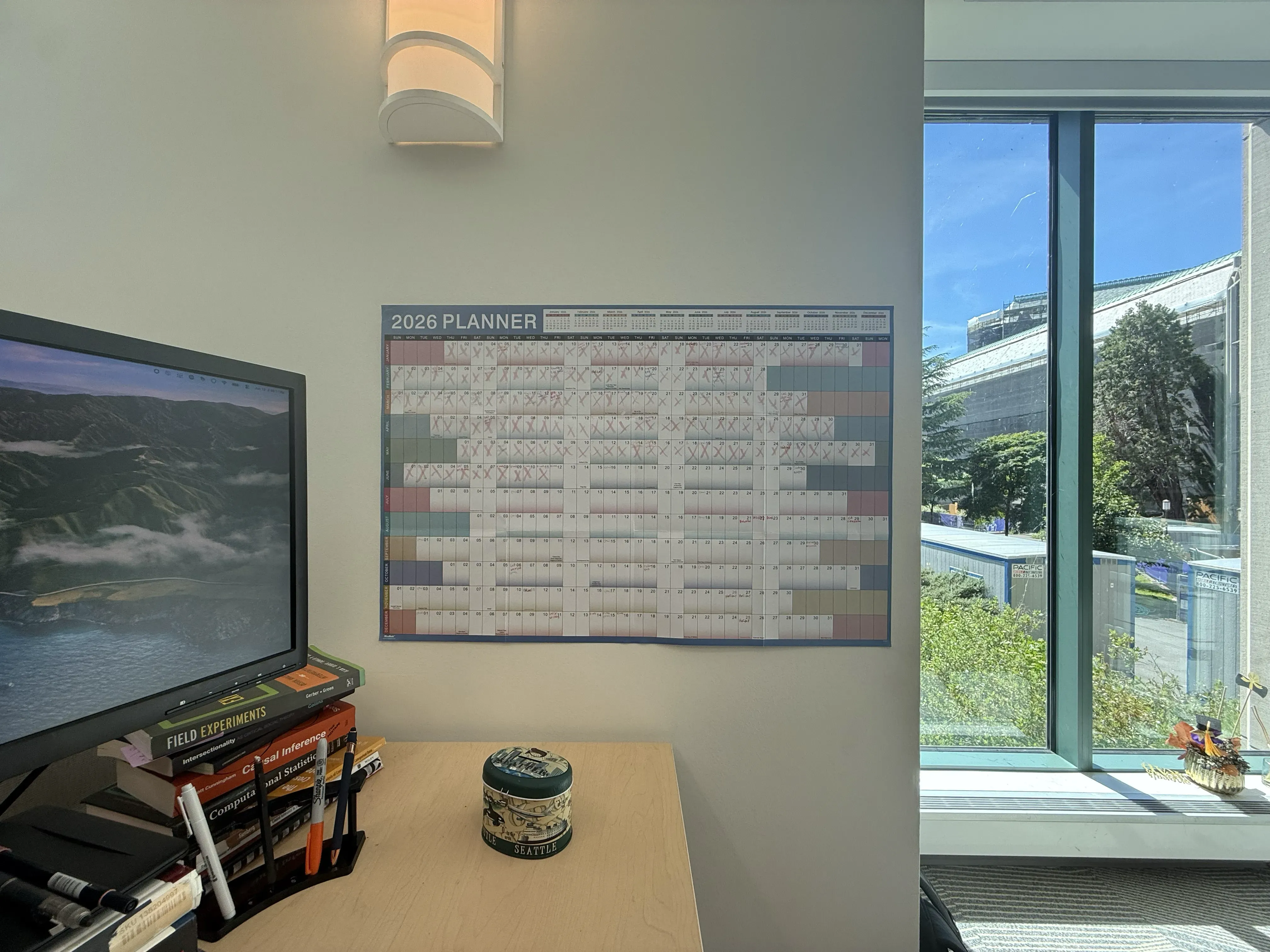
I have a yearly calendar next to my desk. I use it for important dates (travel, deadlines, etc.) that I need to remember more than a month in advance. It’s fun to cross off the days!
I like writing with mechanical pencils, and my favorites are the Rotring 600 (looks cool, perfect weight, works effortlessly) and Sakura Sumo Grip (comfortable to hold, great eraser).
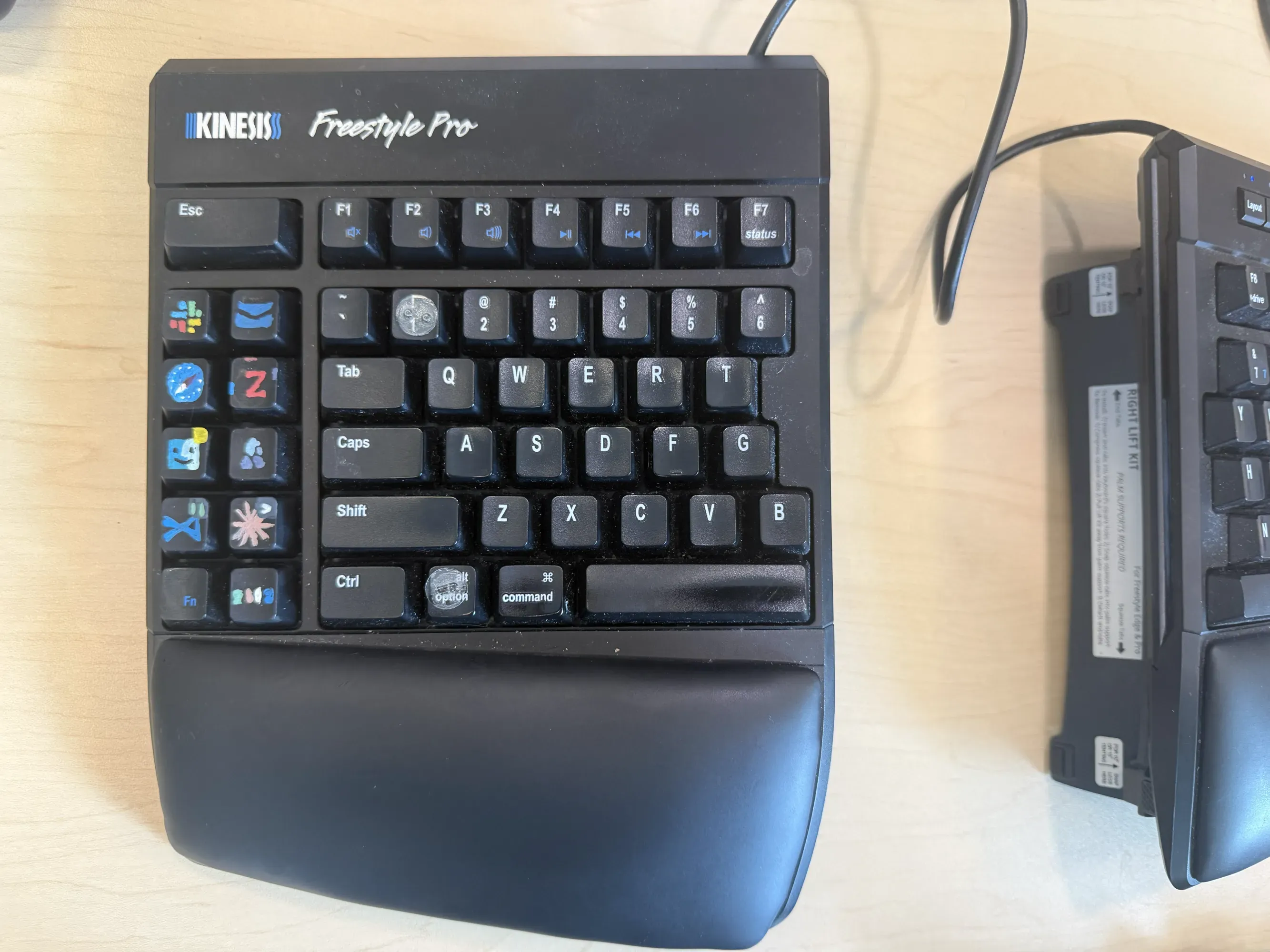
I have an old version of the Kinesis Freestyle Edge, with 10 hotkeys mapped to the different programs I use. Before the keyboard, I would frequently get distracted when I needed to find the right program or window; now I just hit a button and I’m there. Also it’s fun to paint the buttons.
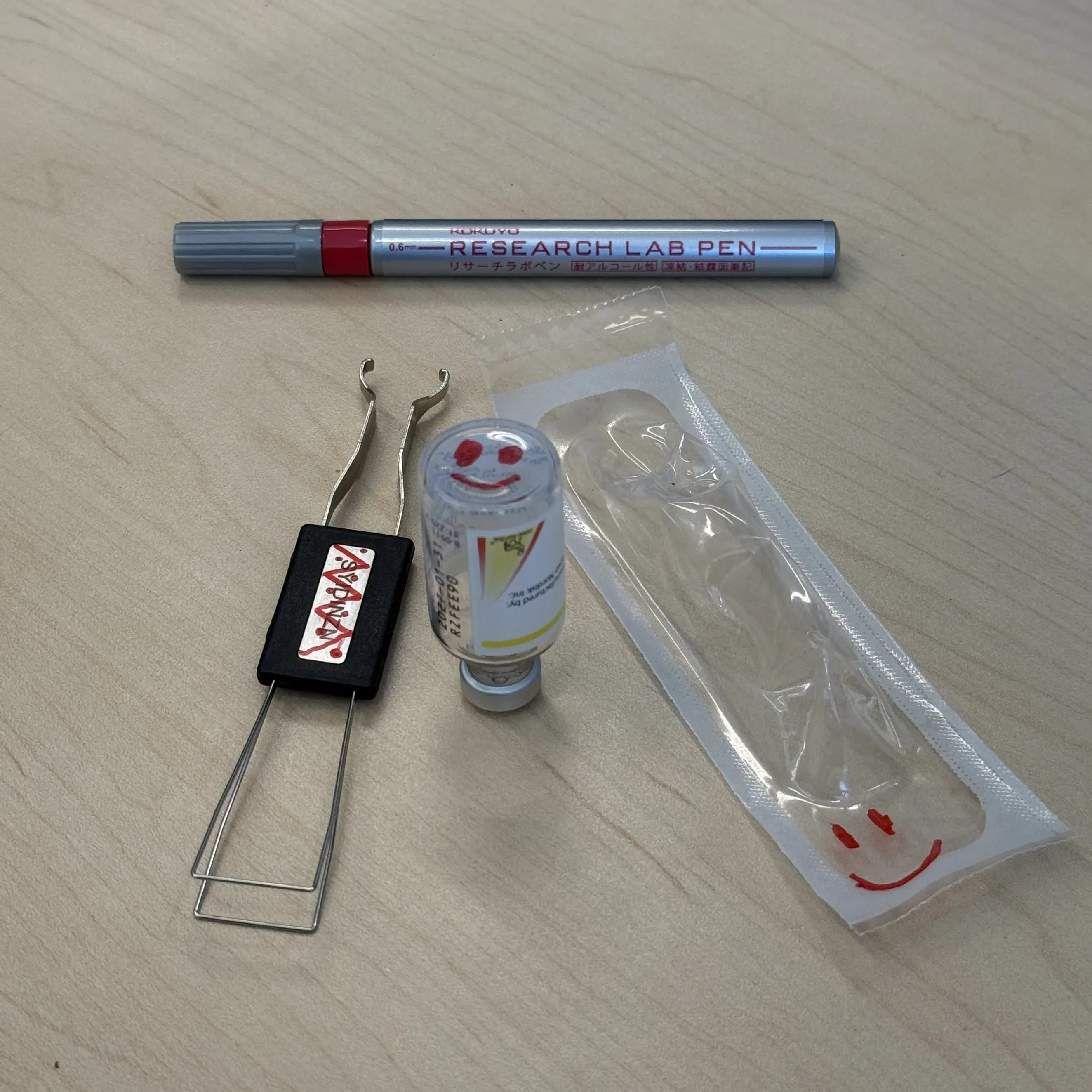
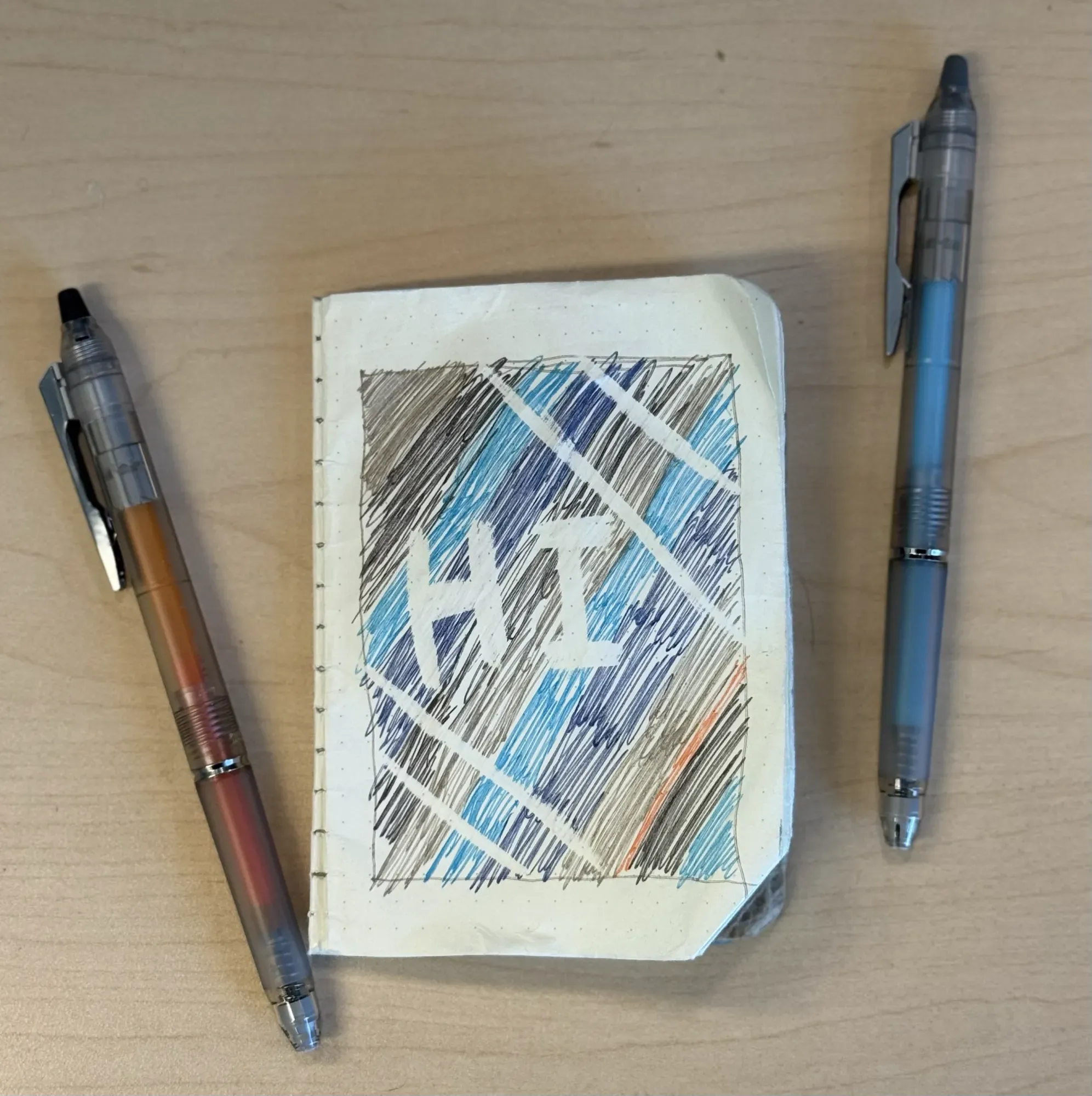
Sometimes I want to write in black, red, or blue or just don’t want to deal with eraser shavings. I still like to be able to erase though, so I then use the Pilot FriXion Ball Knock Zone. The erasing works great on all FriXion pens I’ve used, and the Zone version has thicker ink that comes out fairly smoothly. I also use Pilot FriXion Ball Knock pens for writing on my calendar (more colors available than the Zone).
Urban Biking
I like knowing where the cars are around me and am able to get better info from my bike mirrors than by turning my head.
I bought a set of 4 Lumos Firefly Minis and now I have both front and rear turn signals.
Dog
This waste bag holder makes bags very easy to tear off from the roll. It also has a hook to hang bags from when they are full, freeing up your hands. It works with any brand of bags.
Other
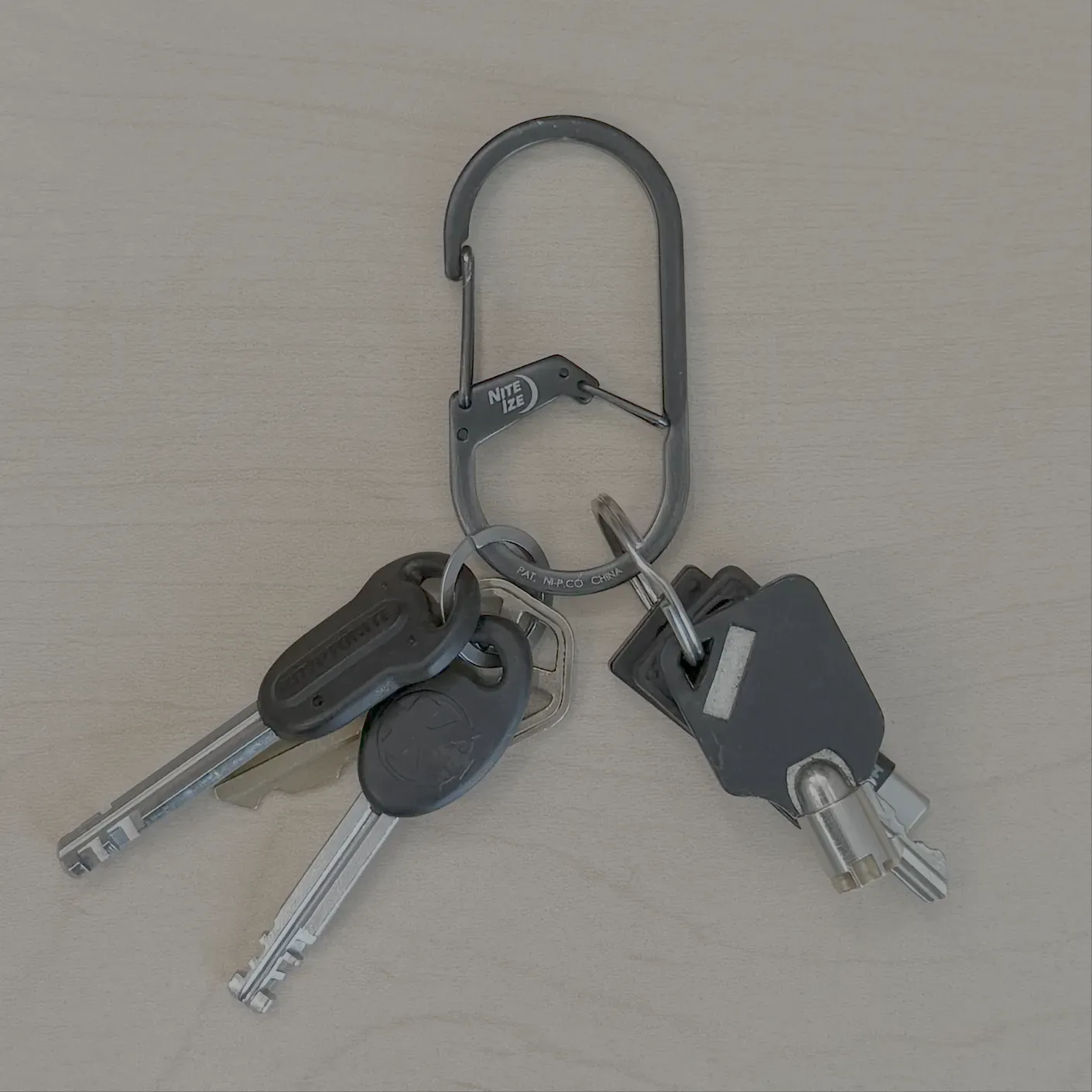
I hate key rings (annoying to add/remove keys) and like wearing my keys on my belt (quick access, less bulk in pockets), but hold a grudge against carabiners (I’ve lost keys). It takes a few seconds to slide a key off the dual-chamber Nite-Ize one I now use, and its two latches mean its never lost a key in the two or three years I’ve used it.